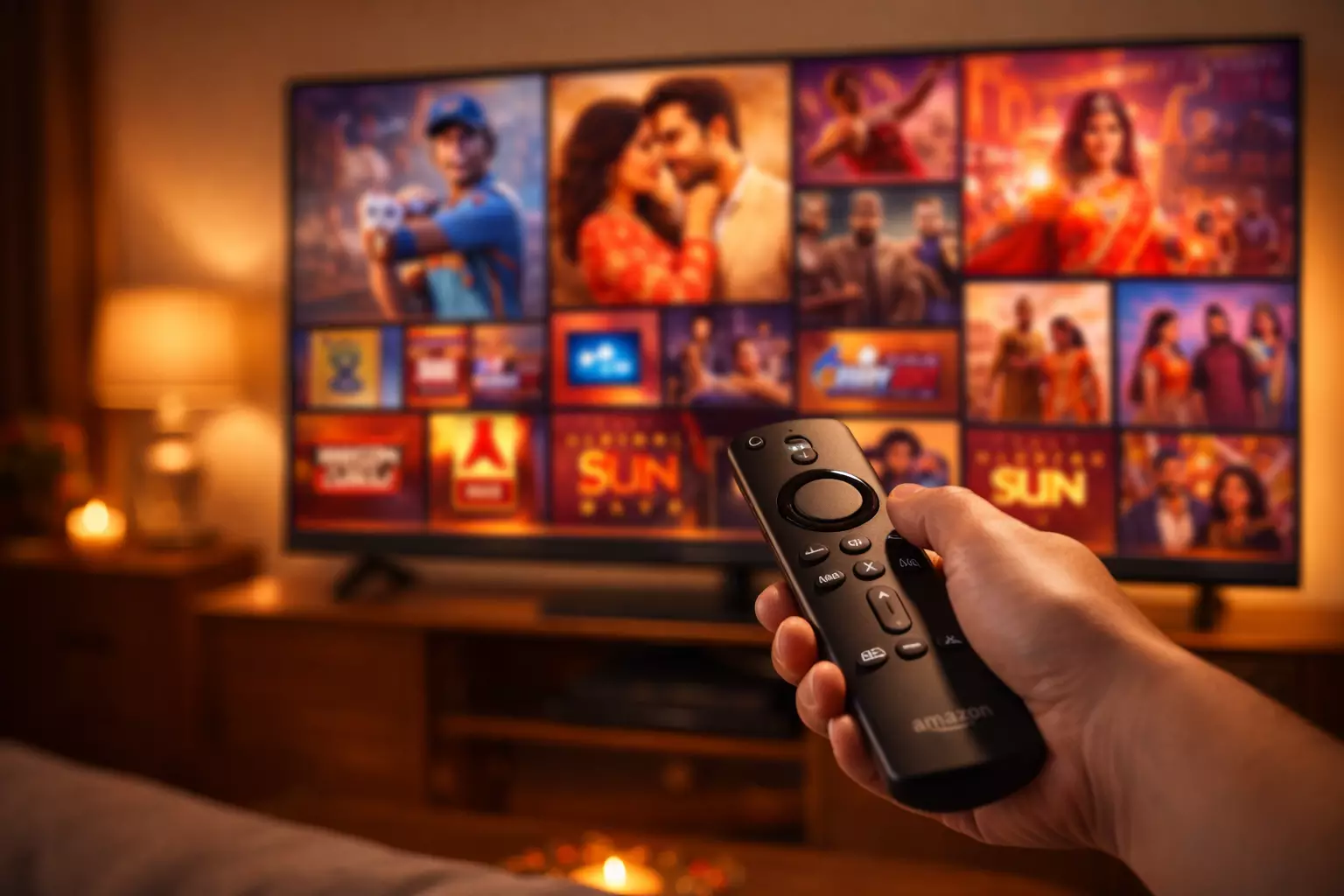
Firestick is one of the easiest ways to watch Indian IPTV in the USA or Canada, but first-time setup still trips people up. Most problems are not caused by the subscription itself. They come from app confusion, missed credentials, weak Wi-Fi placement, or small settings that were never explained clearly.
Why Firestick is such a popular IPTV device
Firestick has become the default IPTV device for many Indian households because it is affordable, familiar, and easy to connect to almost any television. It also handles streaming apps well, works cleanly with remotes, and fits easily into living rooms where the same TV is shared by parents, grandparents, and children. When a provider offers straightforward instructions, it can be one of the least stressful ways to watch live channels and movies.
The biggest advantage is flexibility. A Firestick setup lets you move beyond a single cable box and gives you access to IPTV apps that support playlists, Xtream Codes login, favorites, and in some cases electronic program guides. That is especially useful when your household watches a mix of Hindi entertainment, Punjabi music, Tamil or Telugu channels, and live sports.
Start with the right setup expectations
Before installing anything, make sure you know what credentials your provider sends. Some services deliver an M3U playlist URL, while others give a username, password, and server address for Xtream Codes login. Keep that information ready on your phone or email so you are not guessing during setup.
You should also think about where the Firestick is connected. If the television is far from the router or hidden behind a cabinet, the signal may already be weaker than you think. IPTV can work well on Wi-Fi, but stream stability improves when the device has a strong connection and enough space to breathe.
Installing the player app
The first step is choosing a player app that you are comfortable using. Many IPTV providers recommend a specific player because their support team knows that app well. That is useful because if the login screen changes or a setting is buried in a submenu, support can walk you through it quickly. If your provider suggests a player for Firestick, follow that recommendation first rather than experimenting with several different apps.
Once the app is installed, open it and choose the correct login option. This is where many people slow down. If your subscription is built around Xtream Codes, do not paste the credentials into an M3U field. If the provider sent a playlist URL, do not hunt for username fields that do not apply. Matching the login method to the credentials is one of the most important parts of a smooth setup.
Fine-tuning the viewing experience
After the service loads successfully, spend a few minutes adjusting the basics. Add favorite channels for quick access, confirm that categories are organized properly, and test a few channel types including entertainment, news, sports, and movies. If your player supports buffer or decoder settings, leave them at the provider’s recommended defaults unless support suggests a change.
It is also smart to restart the app once after setup. A fresh launch often confirms that the playlist has saved correctly and that your login details are stored. This is particularly helpful in households where another family member will use the device later and needs everything to open cleanly from the home screen.
Common Firestick problems and what they usually mean
If channels do not load at all, the first thing to check is credentials. One extra space in a pasted playlist URL or a mistaken character in the server address can stop the service from authenticating. If only some streams buffer, the issue is more likely to be network quality than account activation. Move the router closer, restart the Firestick, or test another app session before assuming the subscription is broken.
If the app opens but feels slow, storage may also be part of the problem. Firesticks work better when unnecessary apps are removed and the device has been restarted occasionally. A crowded device can create lag that looks like streaming trouble even when the service itself is fine.
The simplest long-term approach
The best Firestick setup is the one your whole household can use without extra explanation. That means one stable app, clearly saved login details, a favorites list that reflects what your family actually watches, and a support contact you can reach if something changes. Once those pieces are in place, Firestick becomes a reliable everyday IPTV device instead of a one-time tech project.
If you are shopping for a service now, do not just ask if it works on Firestick. Ask how the provider helps Firestick users succeed after purchase. That answer usually tells you how smooth the rest of the experience will be.
Need a plan that already includes Indian channels and setup support?
Compare IndianIPTV subscription options, hardware bundles, and support availability before you decide which plan fits your household.
See Pricing and Plans